ubuntu-pics.de was always about screenshots. Back when Imgur didn't exist yet and Imageshack regularly deleted images, German and international Ubuntu forums needed a stable place to host screenshots. That was 2008.
The links from that era still exist – in ubuntuusers.de, ubuntu-fr.org, Stack Exchange, the Shutter project and dozens of other communities. Many of those images show errors or configurations that no longer exist in current Ubuntu, but as a historical document of how Ubuntu evolved they're interesting.
Today this page documents current Ubuntu screenshots: what does a standard installation look like? What do typical error messages look like? How do desktop environments compare? That's particularly useful for newcomers who aren't sure if what they see on screen is "normal".
Ubuntu Desktop Evolution
Few Linux desktops have changed as dramatically as Ubuntu. From the brown GNOME 2 interface of the early years, through the controversial Unity desktop, to today's GNOME 3 with modern customizations – the screenshots show this evolution clearly.
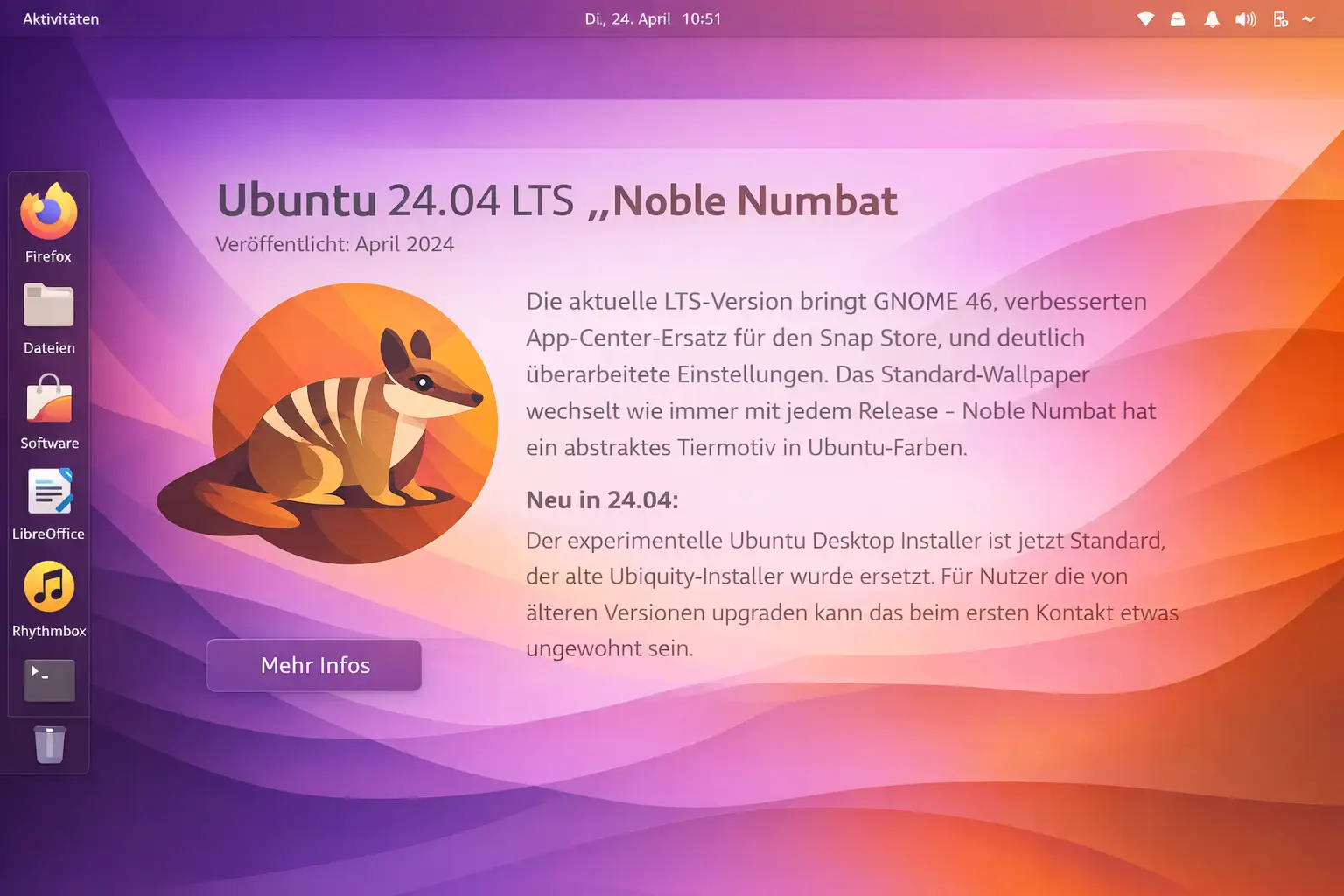
Ubuntu 24.04 LTS "Noble Numbat"
The current LTS brings GNOME 46, an improved App Center replacing the Snap Store, reworked Settings, and a new installer (Ubuntu Desktop Provision). Firefox and Thunderbird ship as Snaps. Kernel 6.8.
New in 24.04: the experimental Ubuntu Desktop Installer is now standard, replacing the old Ubiquity installer. Users upgrading from older versions might find the new installer unfamiliar at first glance.
Terminal Screenshots
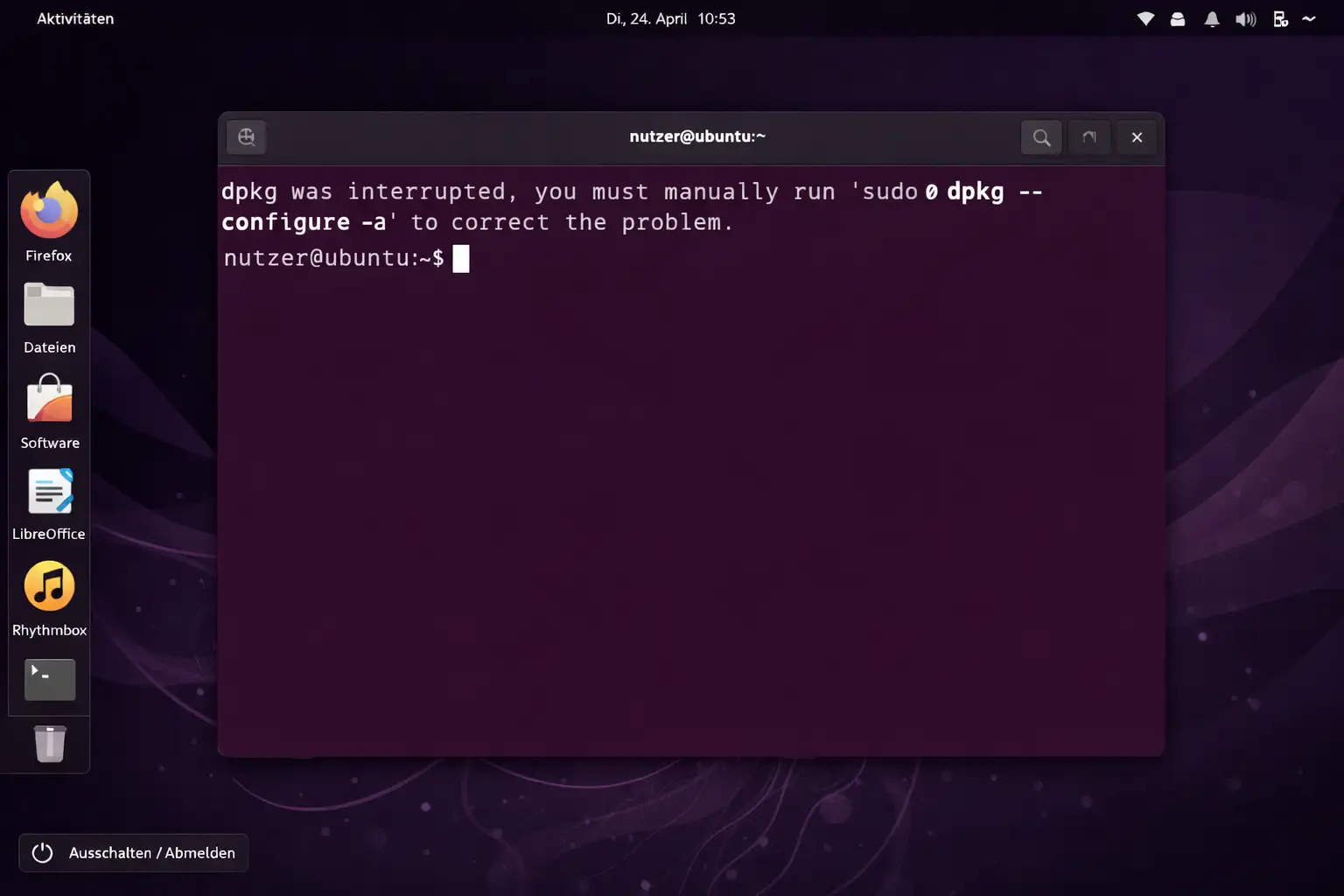
A large chunk of the original ubuntu-pics.de screenshots showed terminal output. Forum users posted error messages as screenshots so others could help. Today you'd usually paste as text, but screenshots have the advantage of showing exactly what was on screen – including color coding and font rendering.
Desktop Environments Compared
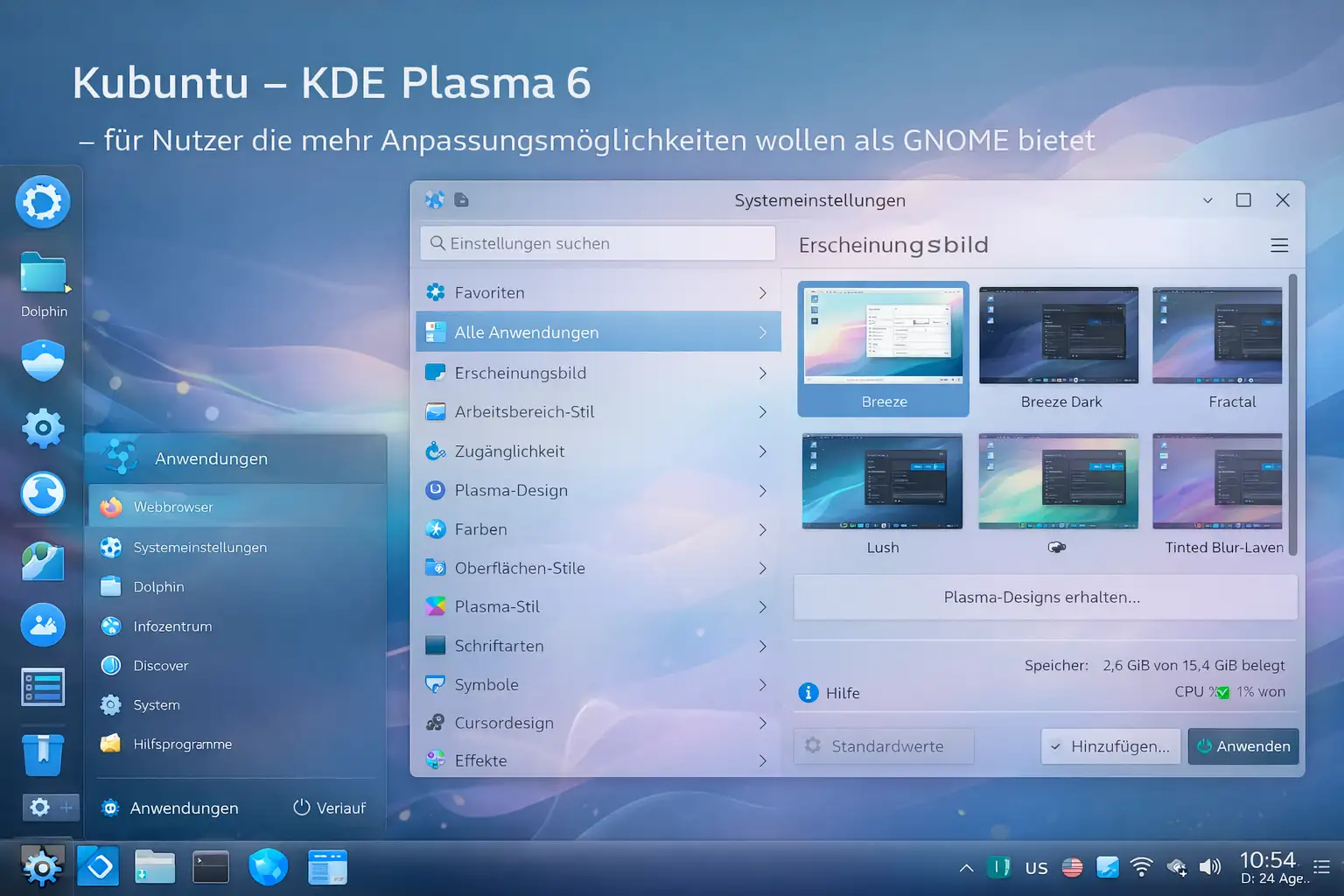
Ubuntu ships with GNOME by default, but the Ubuntu family has more to offer. Kubuntu (KDE Plasma), Xubuntu (XFCE), Ubuntu MATE and Lubuntu (LXQt) all use the same Ubuntu core but look completely different.
Which desktop environment fits me?
GNOME (Standard Ubuntu): Modern, clean, few options but what's there works well. Highest RAM usage in the family.
KDE Plasma (Kubuntu): Extremely customizable, Windows-like layout possible, very feature-rich. For power users who want to configure everything themselves.
XFCE (Xubuntu): Fast, stable, low RAM usage. Good for older hardware or users who don't want experiments.
MATE (Ubuntu MATE): Classic GNOME 2 feel, very reliable. Great for switchers from older Windows versions.
LXQt (Lubuntu): Minimal resource usage, for very old hardware. Still runs smoothly on 10-year-old netbooks.
More historical material lives in the archive. For current problems and fixes, the FAQ is the better starting point.